
Chip-Tools
Programming a spare Tesla Model S key over OBD ("Key Learning")
Tesla
Interface Classic
Keys / Immo
Medium
⏱ 20-40 min
10 steps
The "Key Learning" function lets you add a spare key on Tesla Model S working entirely from the diagnostic socket. Use it when the customer has lost or damaged a key, or simply wants an extra one.

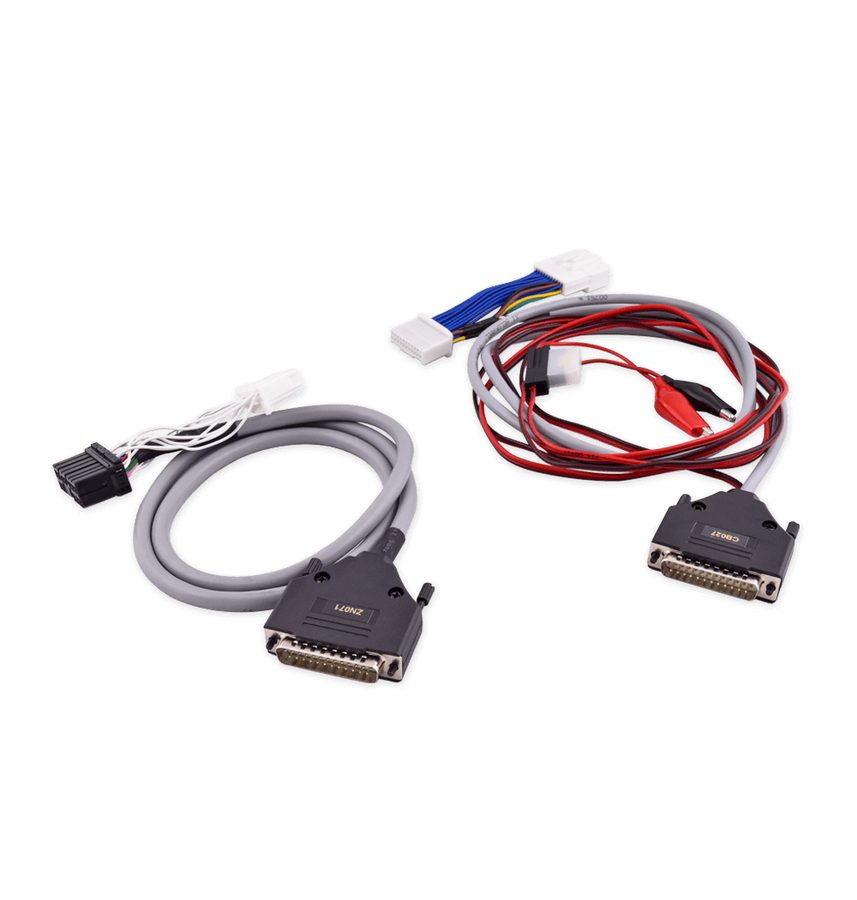
⚠ WarningDuring key learning follow the connection procedure described in chapter 3 of the manual ("Using the Abrites diagnostics for Tesla", ZN087 cable set) in full. At the trunk button step do NOT hold them for more than 5 seconds.
Procedure
- Connect the AVDI to the Model S with the ZN071 adapter on the diagnostic socket (black connector for the old-type socket, white for the new type), following the whole connection procedure from chapter 3.
- Start the Tesla software and on the selection screen choose the "Model S" model.
- On the left-hand side of the main screen open the "Key Learning" menu.
- Press and hold the start button to begin the procedure: the software is guided and tells you step by step what to do.
- In the window that opens (4-5 steps), press the lock button on all the keys you want to keep and check that they show up with "Active" status.
- Bring the key to be programmed within 30 cm of the LF coil in the centre console (cup holder area).
- Press and hold the front and rear trunk buttons together for 5 seconds, then release them. Important: do not hold them for more than 5 seconds.
- Wait for the key to be programmed: the status must change from "Programming" to "Active".
- Repeat the steps from holding the key in front of the LF coil through to "Active" status for each additional key to be programmed, or to retry if a key stays stuck on "Programming".
- At the end of the procedure test all the keys (lock, unlock, start) before handing the vehicle back.
Reference screenshots
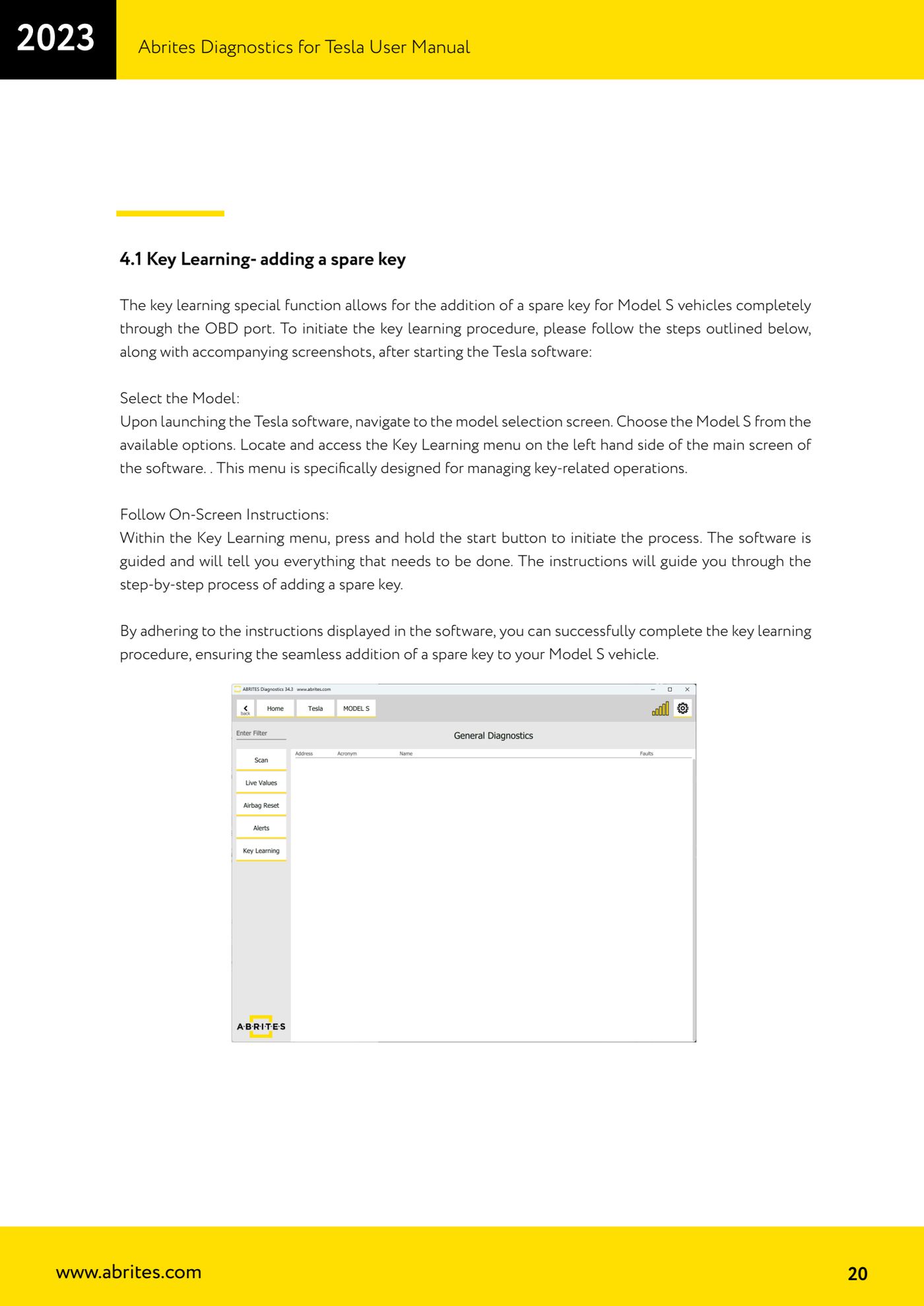
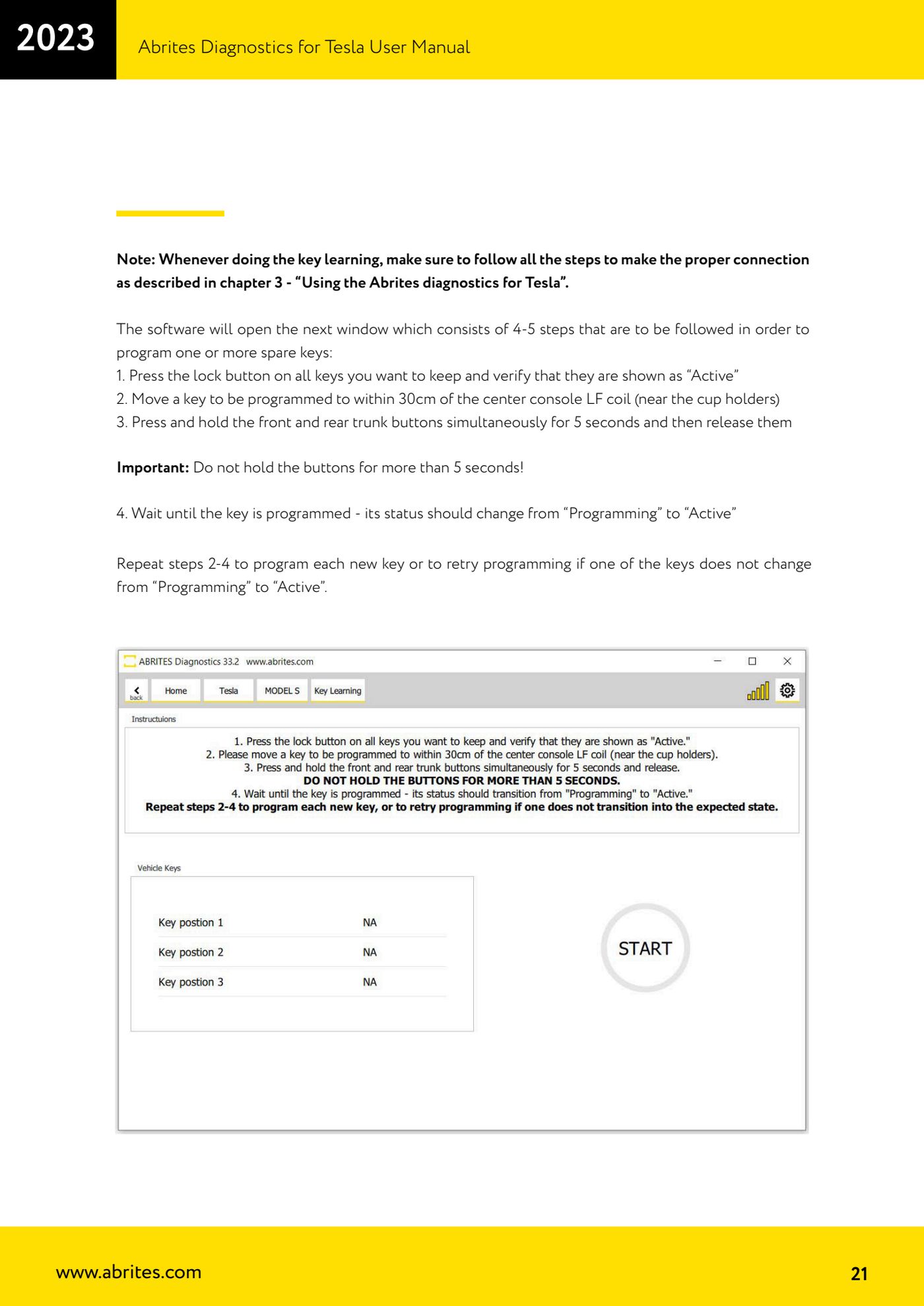
Source: Manuale Abrites Diagnostics for Tesla v1.3, cap. 4.1 (p.20-21) · ⏱ estimated time 20-40 min
← All Abrites guides Hardware catalogue
More guides Tesla
- Connecting the AVDI to a Tesla with the ZN087 cable set: CB027 on Model 3 (BCM) and ZN071 on Model S/X
- Tesla Model 3/S/X diagnostics: module scan, reading faults from the "Alerts" menu and "Live values"
- Tesla Service Functions: brake bleeding, parking brake service mode, 12V Reset and calibrations
- Tesla Airbag Reset on Bosch modules: crash data clearing, VIN read/write and module replacement
- Tesla Delphi airbag module on the bench: EEPROM reading with CB106 and crash data clearing with a PCB jumper