
Chip-Tools
Mitsubishi Smart Key (Fast System): key programming and KOS remote synchronization
Mitsubishi
Interface Classic
Keys / Immo
Advanced
⏱ 30-60 min
11 steps
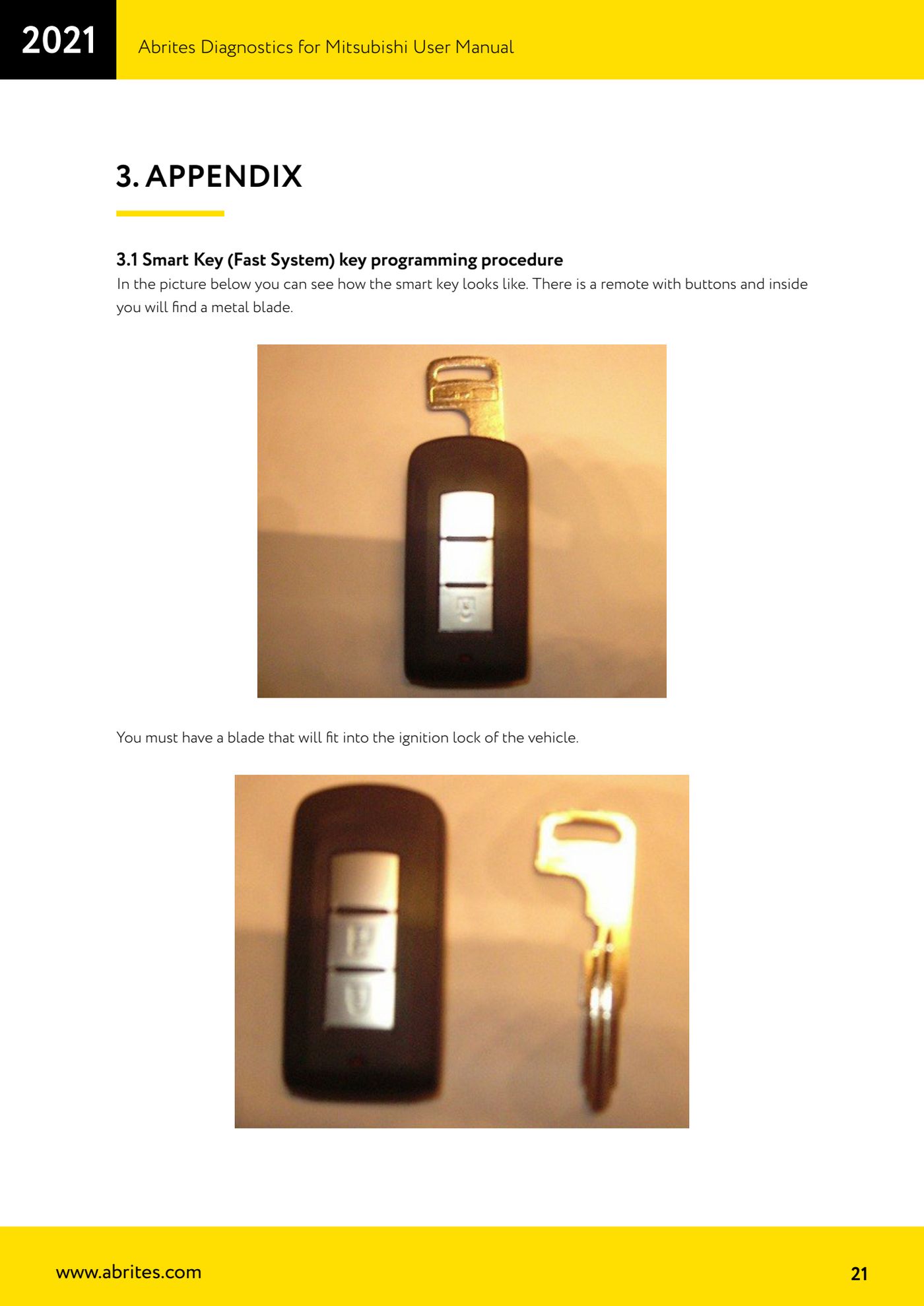
A specific procedure for Mitsubishi vehicles with a smart key (fast system), i.e. the button remote with a metal blade inside it. It explains how to bring the smart key into contact with the ignition lock so it can be registered, and how to then program the KOS remote.
Required licences
- —
Hardware / cables
 AVDI
AVDI- cavo OBDII
⚠ WarningUse the correct PIN code: check it with the "Help" button before starting registration. The Mitsubishi immobiliser limit applies: after repeated attempts with a wrong PIN the immobiliser locks out and you have to wait 15-30 minutes with the ignition ON before trying again.
Procedure
- Pull out the metal blade held inside the smart key. You need a blade that fits properly into the vehicle's ignition lock.
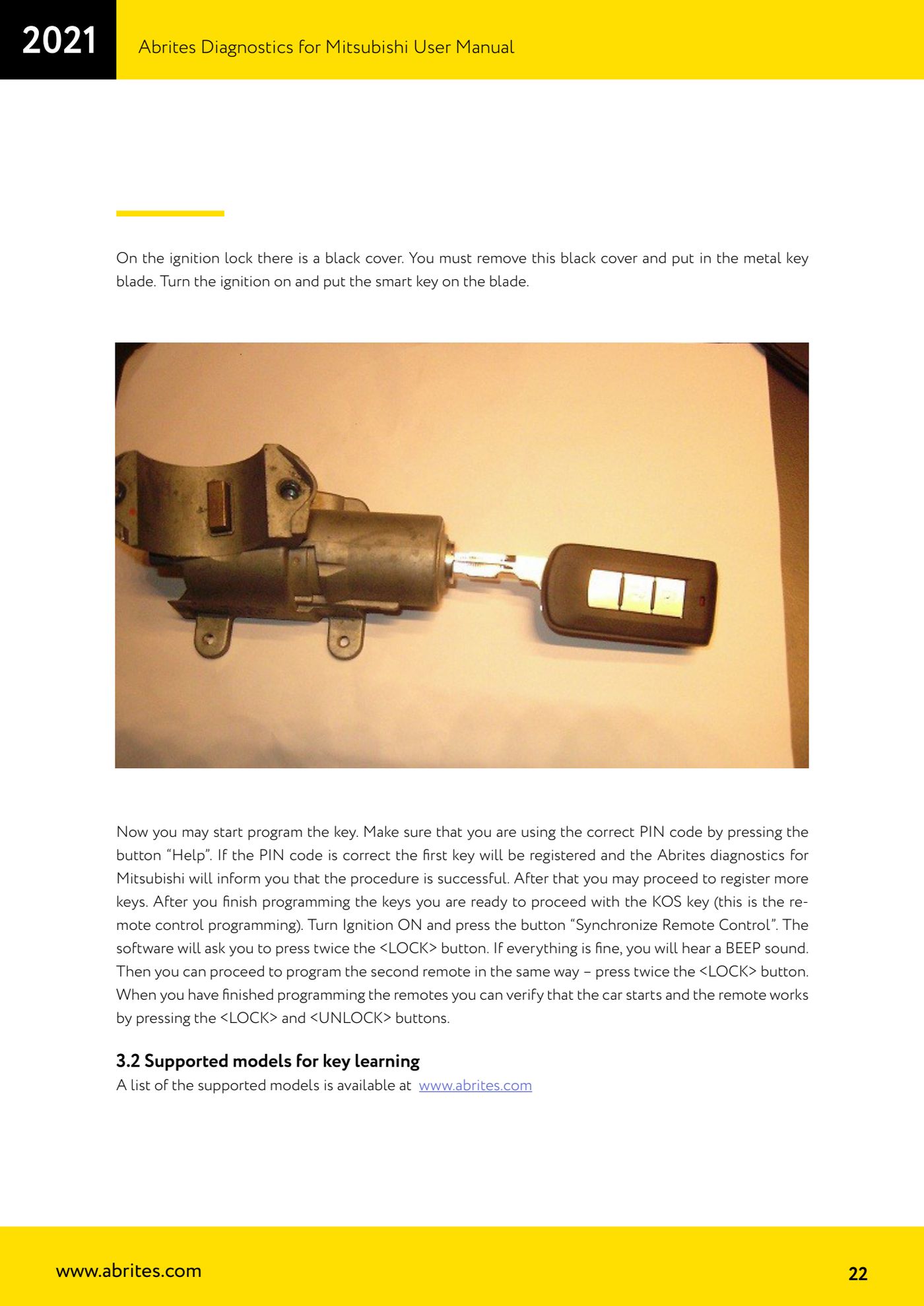
- There is a small black cover on the ignition lock: remove it and fit the key's metal blade in its place.
- Turn the ignition ON and hold the smart key on top of the blade fitted in the lock: this is how the key is read by the system.
- Connect the AVDI to the OBDII socket and open the key programming function in "Special Functions".
- Before starting the registration, press the "Help" button to confirm you are using the correct PIN code.
- Start the programming: if the PIN is correct the first key is registered and the software tells you the procedure was successful.
- Repeat the same sequence to register the further keys that have to stay working on the vehicle.
- With the keys done, move on to the KOS remote: with the ignition ON press the "Synchronize Remote Control" button.
- The software asks you to press the remote's <LOCK> button twice. If all is well you hear a confirmation BEEP.
- Program the second remote the same way: press the <LOCK> button twice when prompted.
- Finish the job with a practical check: start the vehicle and test the remotes by pressing the <LOCK> and <UNLOCK> buttons.
Reference screenshots
Source: Manuale Mitsubishi, Appendice cap. 3.1 (p.21-22) · ⏱ estimated time 30-60 min
← All Abrites guides Hardware catalogue
More guides Mitsubishi
- Standard Mitsubishi diagnostics with the AVDI: control unit scan, DTCs, actual values and actuator tests
- Mitsubishi Coding: reading, saving and writing the coding and the chassis number (VIN)
- Resetting and setting the Service Reminder (service light) on Mitsubishi
- Mitsubishi key programming over CAN with the PIN code (Key Programming)
- Mitsubishi Simplified Key Registration: keys with no working key and no PIN (PROTAG/TagProg)
- Mitsubishi Dump Tool: mileage calculation and PIN reading from an EEPROM dump ("Swap bytes" function)
- Mitsubishi SW Update: checking and updating module software from the Abrites servers